

Projects › Virtual reality › Technical training
Learn a procedure by experiencing it.
A technical training project in virtual reality, developed with Liceo Scientifico Statale Galileo Ferraris through PNRR funding for educational innovation. Loto Studios turned procedures observed and filmed in the field into maintenance simulations to explore and practise in a headset.
PROJECT SHEET
VR Training at a glance
- SCHOOL/01
- Galileo FerrarisLiceo scientifico statale
- EXPERIENCE/02
- VR trainingTechnical procedures and maintenance
- SCENARIOS/03
- Technical spacesElectrical room and pumping room
- MODES/04
- Three pathsLearning, practice and advanced
- DATA/05
- Times and errorsSession scores
- SERVICE/06
- VR for educationExplore VR for education →
THE CHALLENGE AND THE SOLUTION
Bring a technical sequence into a controlled experience
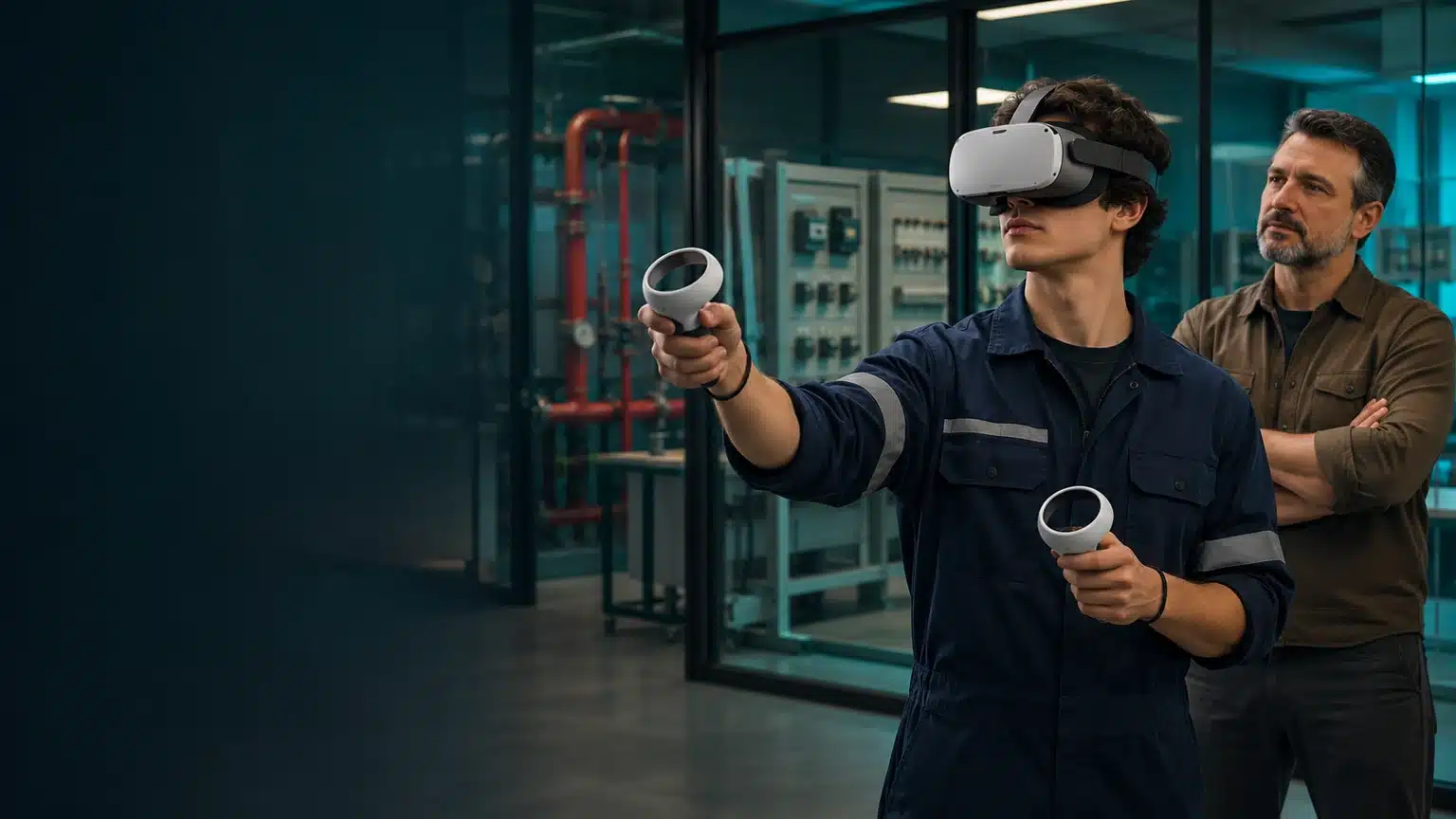
The challenge. Electrical rooms and technical spaces require attention, suitable tools and correct sequences. The project needed to make these operations practicable in an educational scenario: recognise elements, choose equipment and work through steps without exposure to the risks of the real environment.
The solution. The work began by observing and filming procedures performed by experienced technicians. Environments, equipment and actions were reconstructed in 3D and translated into VR interactions. Equipping the learner, guided operations and levels of assistance accompany students from preparation to session review.
- 01The setting to recogniseSpaces and equipment become elements of the learning journey.
- 02The actions to performEquipment and tools form part of the sequence.
- 03Assistance to adjustQuizzes, infographics and prompts vary with the selected mode.

FROM PROCEDURE TO ACTION
Observe, reconstruct and make it practicable
- 01 · OBSERVATIONThe technicians’ workField recordings and analysis to reconstruct the steps of the operation.
- 02 · SCENARIOEnvironments and tools3D reconstruction of spaces, equipment and elements users can manipulate.
- 03 · PRACTICEProgressive modesLearning with quizzes, practice with infographics and advanced mode without prompts.
- 04 · REVIEWSession dataRecord times, errors and scores to observe execution.
SETTING AND SCREENS
Every action has a setting to recognise
PRACTICE AND REVIEW
The journey changes with the available assistance
- PREPARATIONEquipping is part of the trainingStudents choose and equip the required devices before entering the scenario.
- PROGRESSIONThree practice modesLearning quizzes, practical infographics and advanced mode adjust the support available.
- SESSIONExecution to reviewTimes, errors and scores make the steps of an individual session observable.
The project can be extended with surveys, 3D scans, photographs and analysis of the operational environment. Reconstruction follows the elements relevant to training: what people need to recognise, reach and use. For a new journey, activities, learners, materials and headsets are assessed together to define interactions and review methods.
Explore corporate training in VR, VR for schools and universities and the original video on Vimeo.
MORE EXPERIENCES
Simulation, presence and technical support
LET’S TALK ABOUT YOUR TRAINING
Which procedure should become an experience?
Tell us about the activity, the learners and the materials you already have. Include available headsets, users and timing: together we define the scenario, interactions and learning journey.